Path A
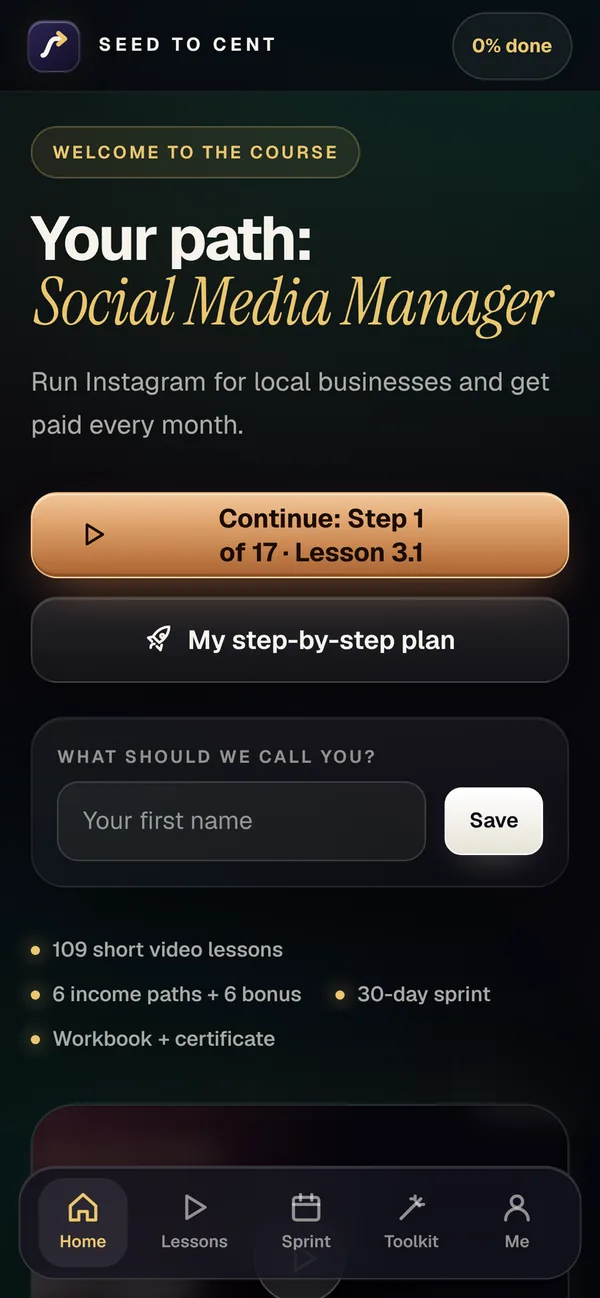
Social Media Manager
Run Instagram for local businesses and get paid every month.
- Start cost
- $0
- On camera
- No
Saved 100 ideas? Started none?
A step-by-step course for beginners in Canada and the USA to start earning online. A 3-minute quiz picks your path, then one small task a day.
Real steps. Real tools. No hype.
The problem
Saved idea after idea and started none? You're not alone. You don't need 20 ways to earn online. You need one.
People get paid every day to edit videos, run Instagram accounts and manage inboxes. You pick one path, learn a skill businesses already pay for, and start real conversations with local businesses.
See it in 70 seconds
A 3-minute quiz picks your path. Then a step-by-step plan and a 30-day sprint. 27 built-in tools do the busywork.
How it works
Too many options, nothing finished. So Seed to Cent does three things.
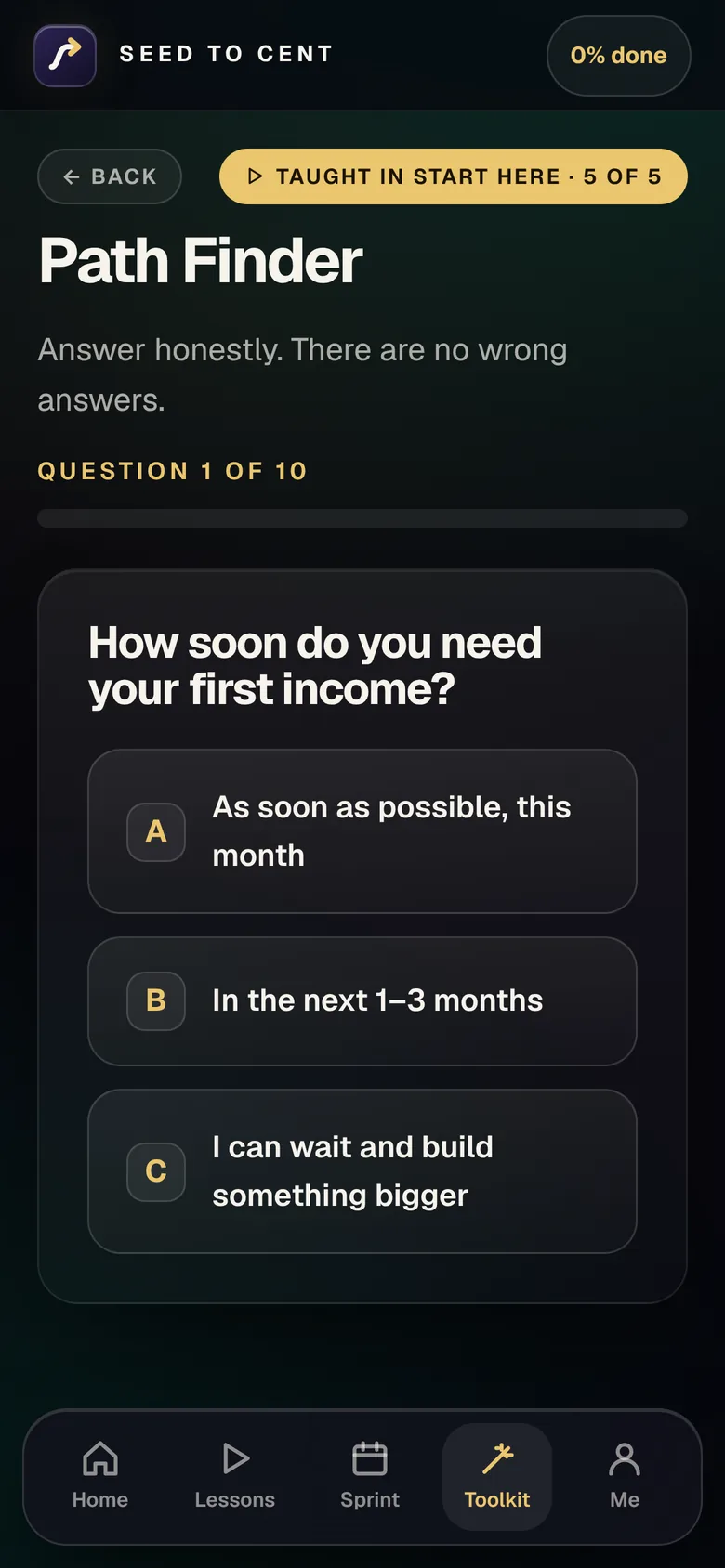
10 questions pick your path. About 3 minutes.
Short lessons, 2 to 6½ minutes.
One small task a day for 30 days.
The daily rhythm · from lesson 0.2
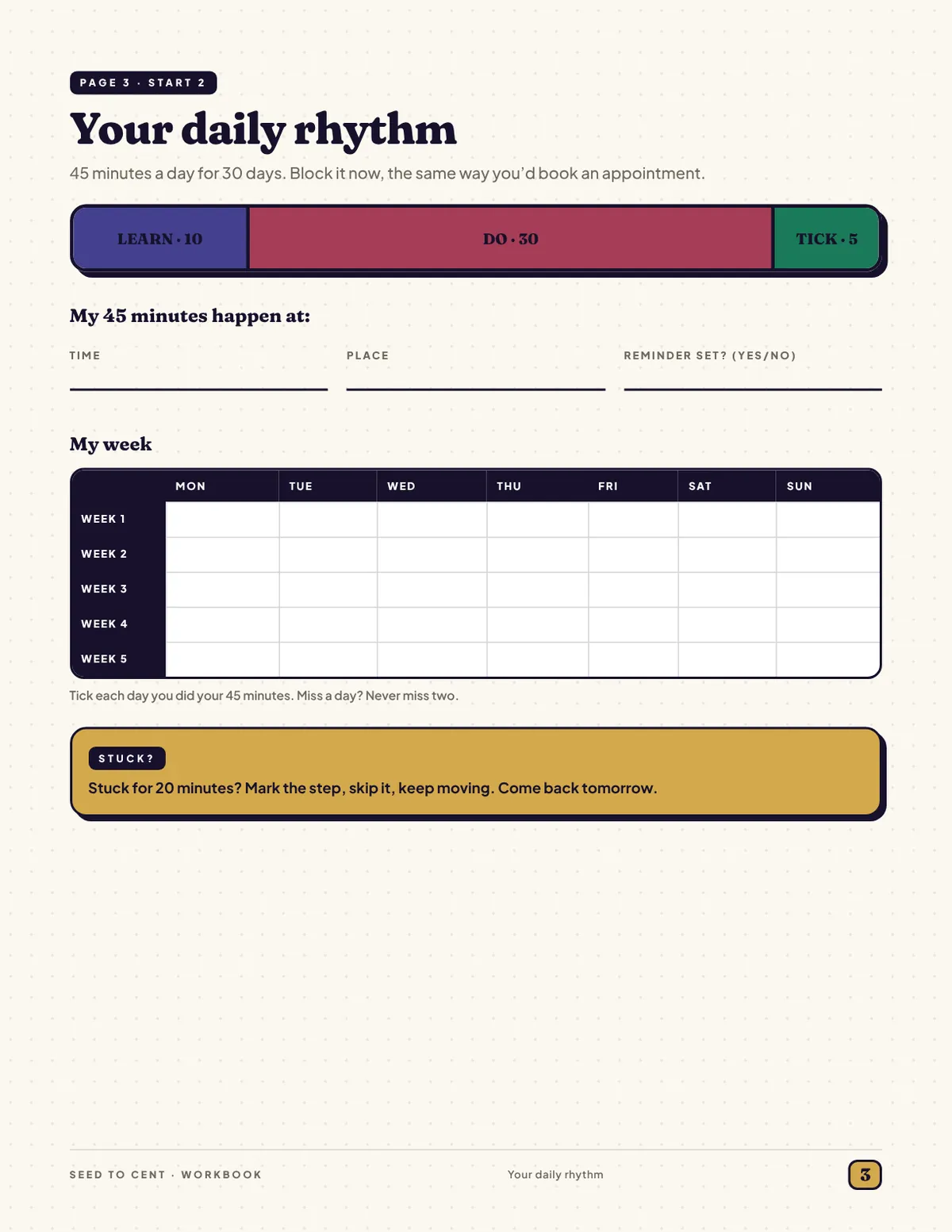
About 45 minutes a day, same time daily. Miss one? Fine. Never miss two.
Try it
Tap a day to tick it off.
0 of 30 ticked
A practice grid. In the course, each day has its own small task.
Try before you buy
See exactly how the course looks and sounds. Then decide. No email wall. Just watch.
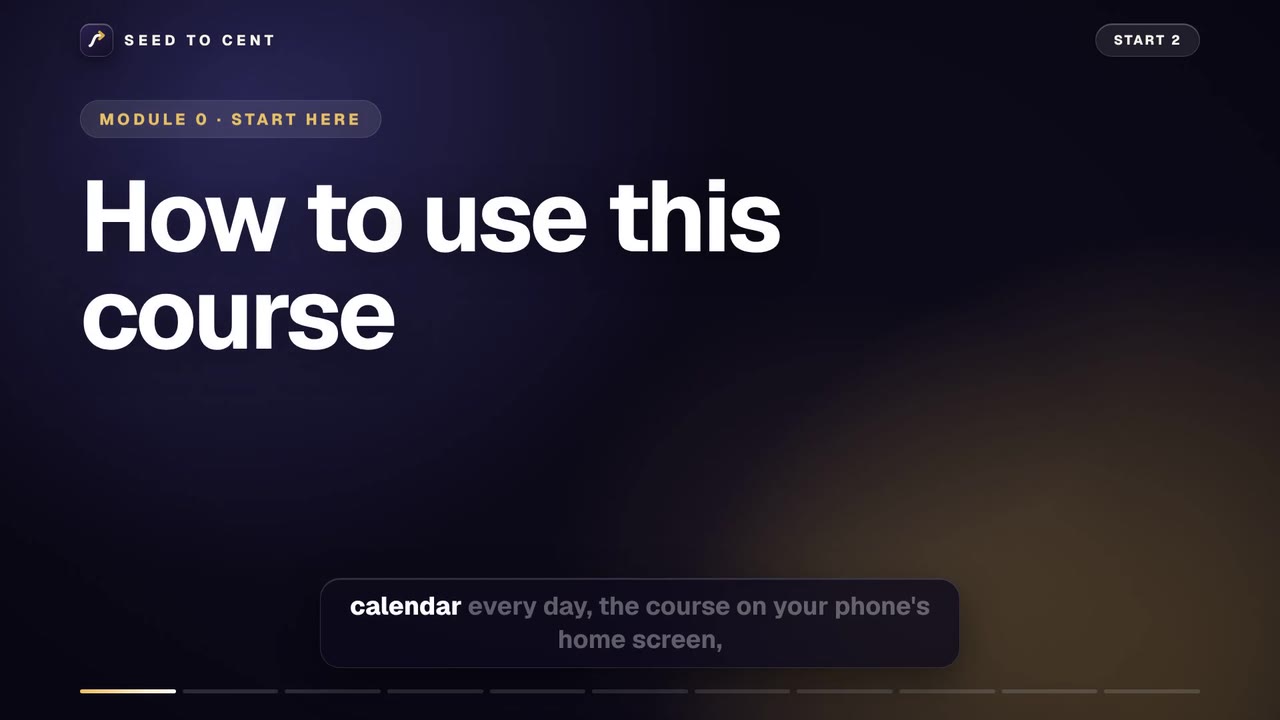
Here's what we're doing today. Forty-five minutes booked in your calendar every day, the course on your phone's home screen, and a plan for the days you get stuck. Ten minutes of setup now saves weeks of drifting later. And yes, you can do all of it in your pajamas.
Three tools. First, these short videos. Watch one, do the Your move box under it, then tap Mark complete. Second, the Toolkit inside the course, where the sprint, scripts and calculators live. Third, the workbook, a printable PDF for thinking on paper. Don't binge. Watch one lesson, then do the task your plan gives you for that day.
Here's the rhythm, with Sam, who finishes work at five. At seven o'clock, ten minutes to learn, one video or one page. At seven ten, thirty minutes to do today's sprint task. At seven forty, five minutes to tick it off. Short and daily beats long and rare.
Now the one rule. Finish one path before you look at another. Your first paid job comes from repeating one skill until it's easy, and every switch resets the clock. Add a second path after your first thousand dollars. Not before.
Okay, quick setup. This is not an app from an app store, so there is nothing to download. It's a website that works like an app. You open your course link, then add an icon to your home screen. Do it now, before you watch lessons, because on an iPhone the icon keeps its own saved progress. Open your course link in Safari on an iPhone, or Chrome on Android. On an iPhone, tap the three-dot menu in Safari, then Share. Older iPhones show the Share button, a square with an arrow, straight away. Either way, you should now see a list of options. On Android, tap the three dots. Scroll down to Add to Home Screen. Not in the list? On an iPhone, tap Edit Actions at the bottom and add it. Then tap Add, and you should see the course icon on your home screen. Android may say Install app instead. From now on, open the course from that icon.
One more thing, ten seconds. Your progress is saved in your browser, on this device. Switch phones or clear your browser data, and it can vanish. So open My progress, click Copy backup code, and paste it into a note or an email to yourself. On a new phone, paste it into the box and click Restore. Added the home screen icon after you started? Copy your backup code first, then paste it into the icon version and click Restore.
Now the checklist. Make a free email just for this, like firstname dot lastname, so client messages never get buried. Block your forty-five minutes. Save or print the workbook. Free up five gigabytes for video. And keep the backup code you just copied. That's the list.
Here's how people quit. The weekend marathon. Three hours on Sunday, then nothing all week, and the course goes quiet. Instead, same time every day. Miss one? Fine. Never miss two. And post it messy, you can fix it tomorrow.
Stuck? Set a timer for twenty minutes. Still stuck when it rings? Mark the step, skip it, and come back tomorrow with fresh eyes. And check Guides and Links in the Toolkit. It has click by click steps for every site in this course.
Recap. Watch, do your move, mark it complete. Forty-five minutes, same time daily. One path at a time. Your move, five minutes. Book forty-five minutes in your calendar for the next thirty days, with a reminder, then fill in your week grid on workbook page three.
Next, the honest truth about online income. How long it really takes, what it costs, and what we left out on purpose.
Pick one
6 core paths start with your phone and free apps. 6 bonus paths go further. The quiz picks the one that fits your life.
Try it · a short preview
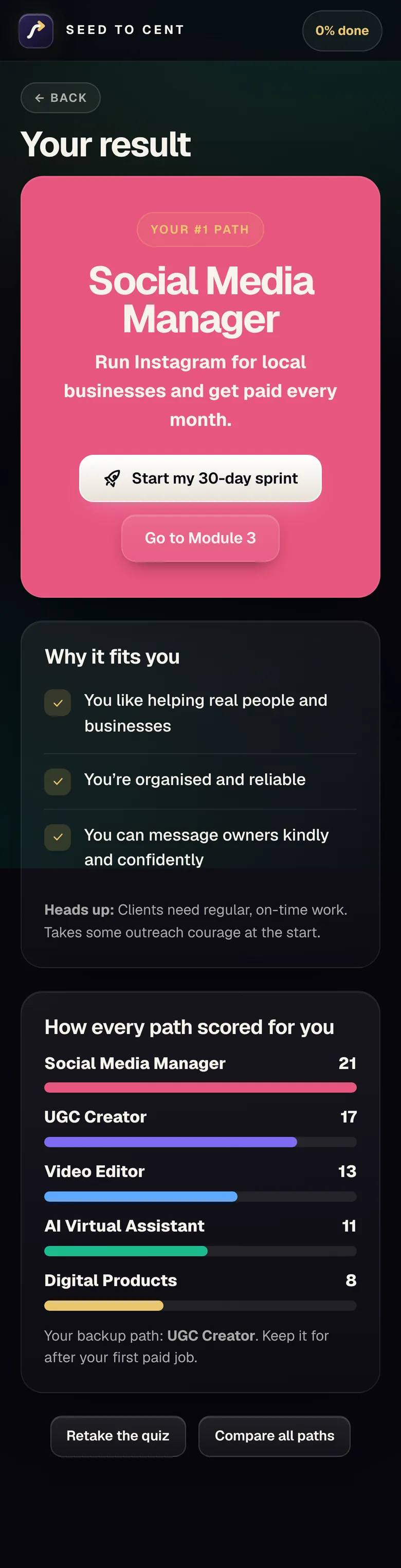
The full quiz in the course asks 10 questions. This preview uses 3 of them with the same scoring, so the full quiz can pick a different path.
Run Instagram for local businesses and get paid every month.
Make short videos that brands pay for. No followers needed.
Edit Reels, TikToks and Shorts for creators, coaches and small businesses. Paid per video or monthly.
Help busy owners with inbox, calendar, spreadsheets and content, faster with free AI. Paid hourly or monthly.
Create a guide, planner or template once and sell it again and again.
Set up simple no-code AI chat helpers, lead forms, auto-replies and review requests for local businesses. A set-up fee, then a small monthly care plan.
Earn commission recommending products you truly use.
Sell printables, journals or designs on Etsy, Amazon KDP or print-on-demand.
Put your own designs on shirts and mugs, sell on Etsy, and let a print partner make and ship every order.
Publish coloring, puzzle, activity, journal and planner books on Amazon KDP. Amazon prints each copy only when it sells.
Sell products through your own online store while a supplier ships them. For people with a first income or e-commerce experience.
Film honest video reviews of things you already own and earn a small commission when Amazon shoppers buy. Commission, never pay per review.
Look inside
It opens in your web browser like a website. Nothing to install. Works on phone, tablet and computer.
Tap any screen to open it up close.
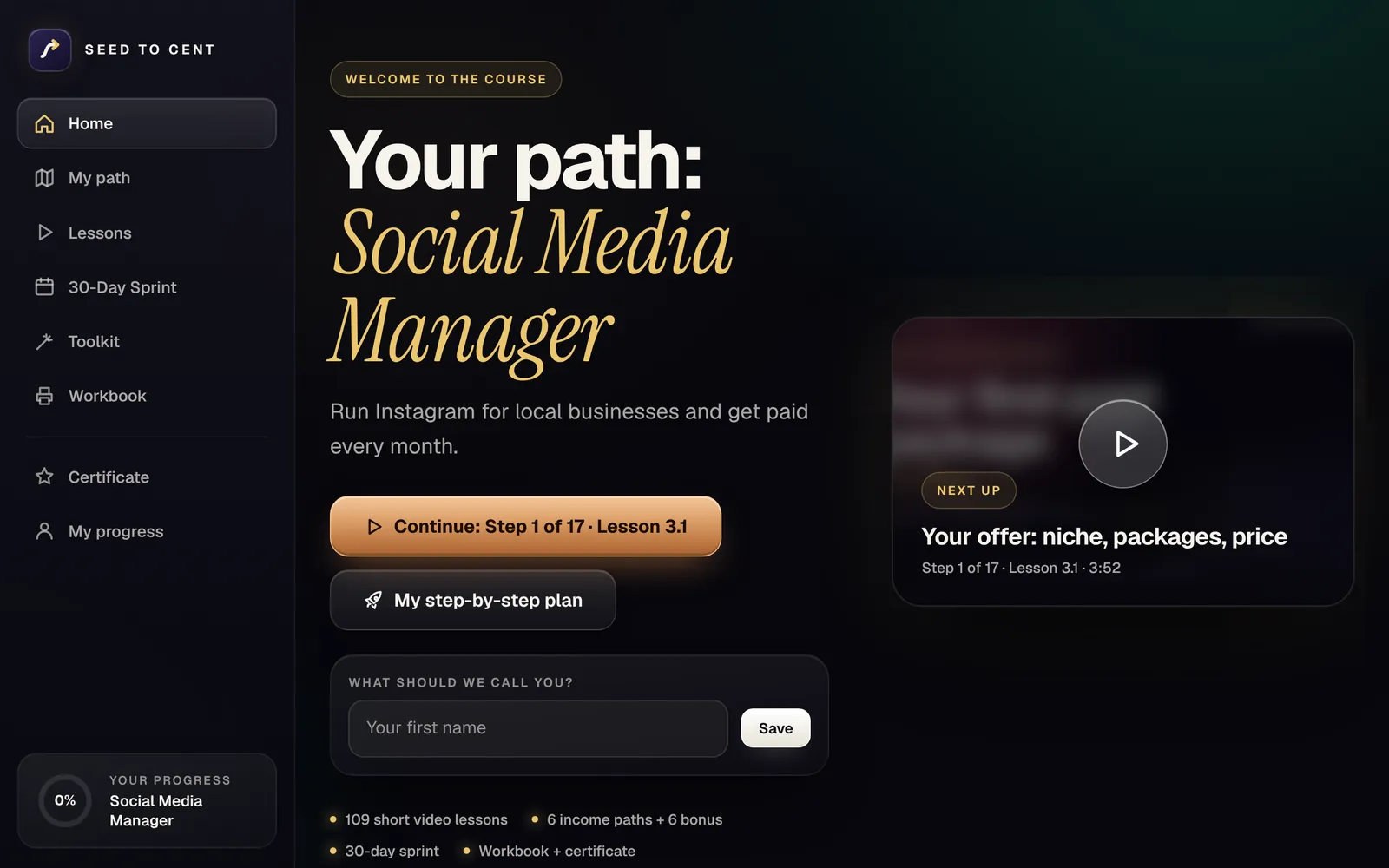
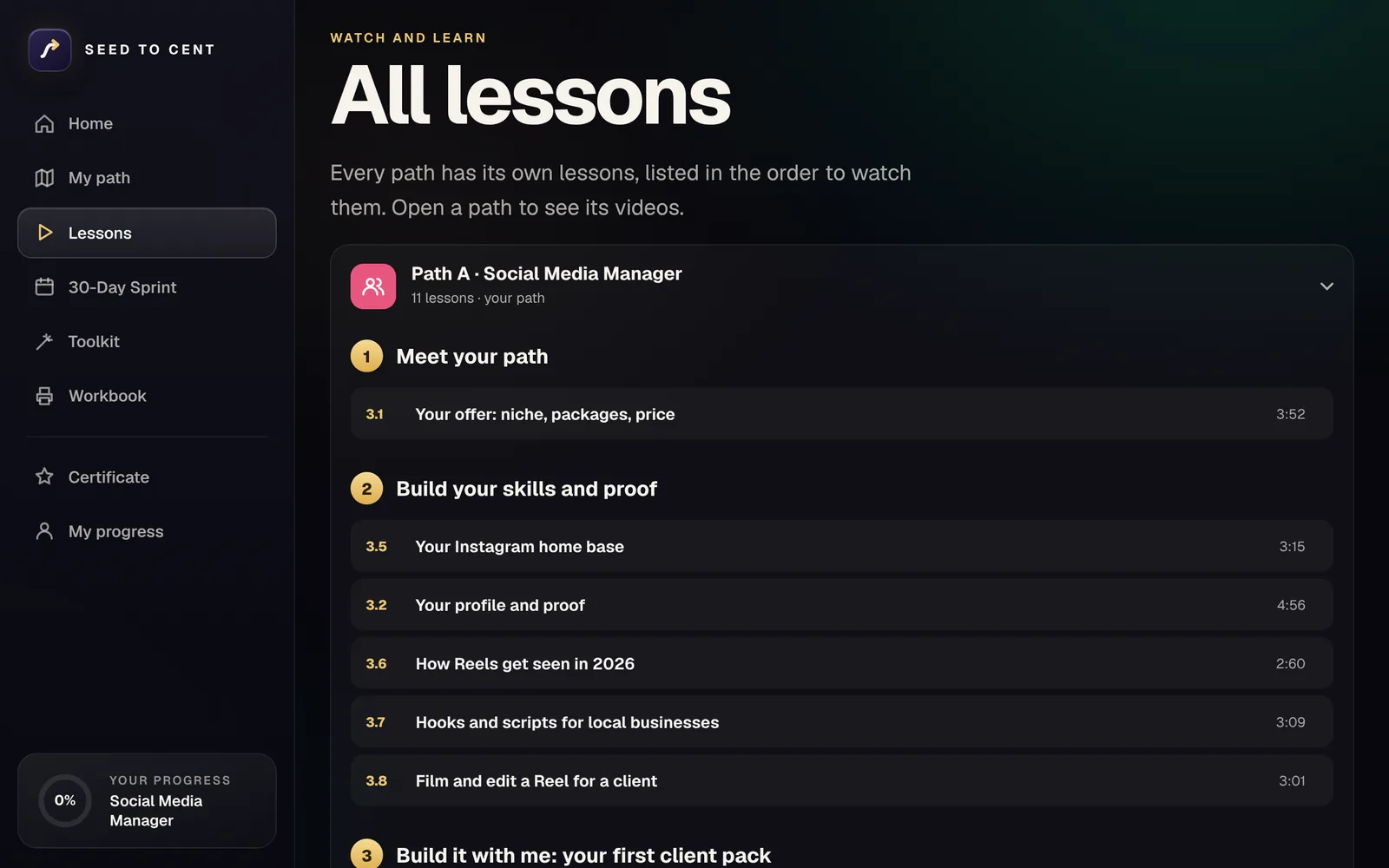

Your path, step by step



Money tools · Canada and USA
Work out your price. Send a real invoice, tax added for you. Track the money in, the costs, and what to set aside for tax.

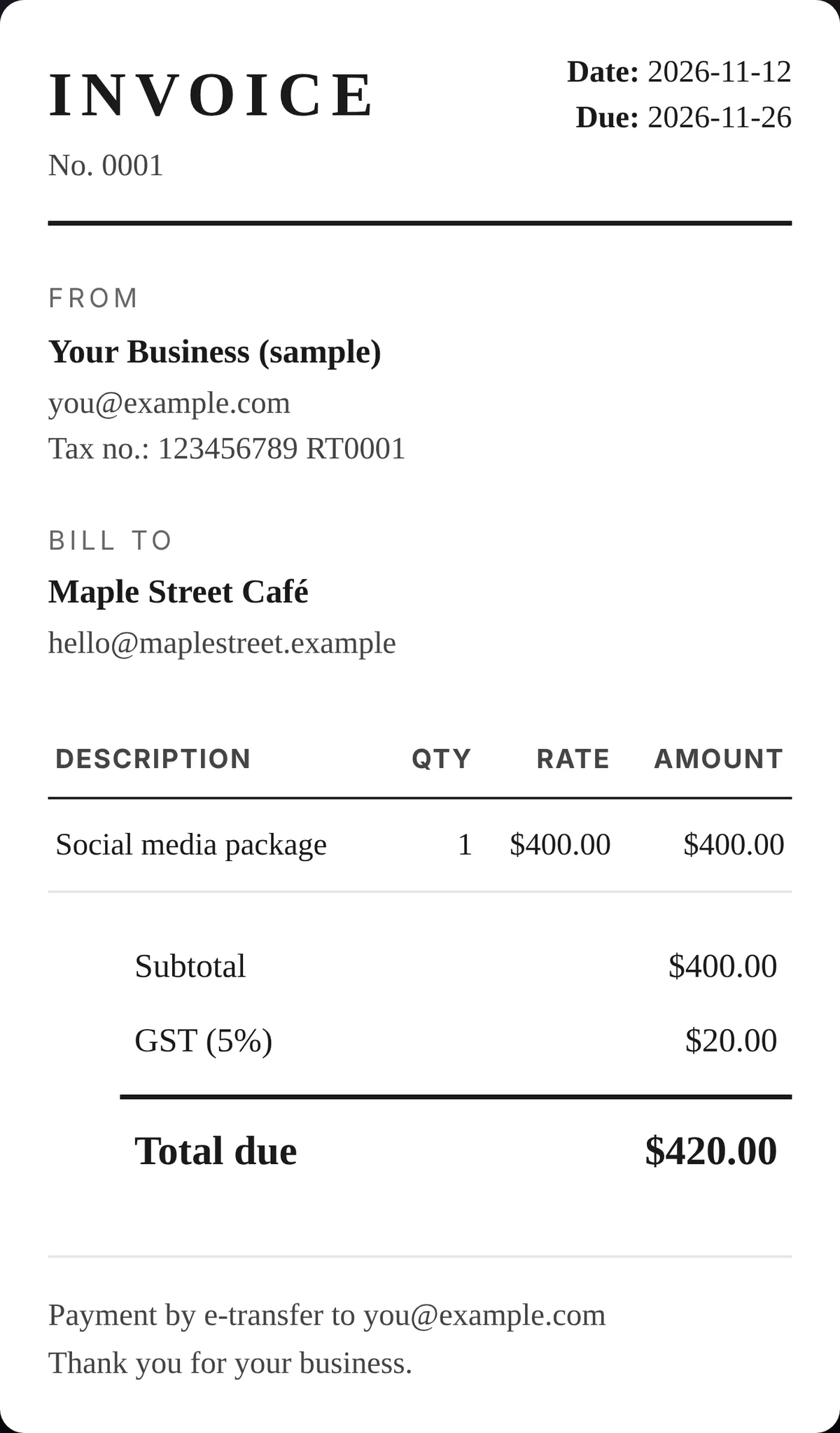

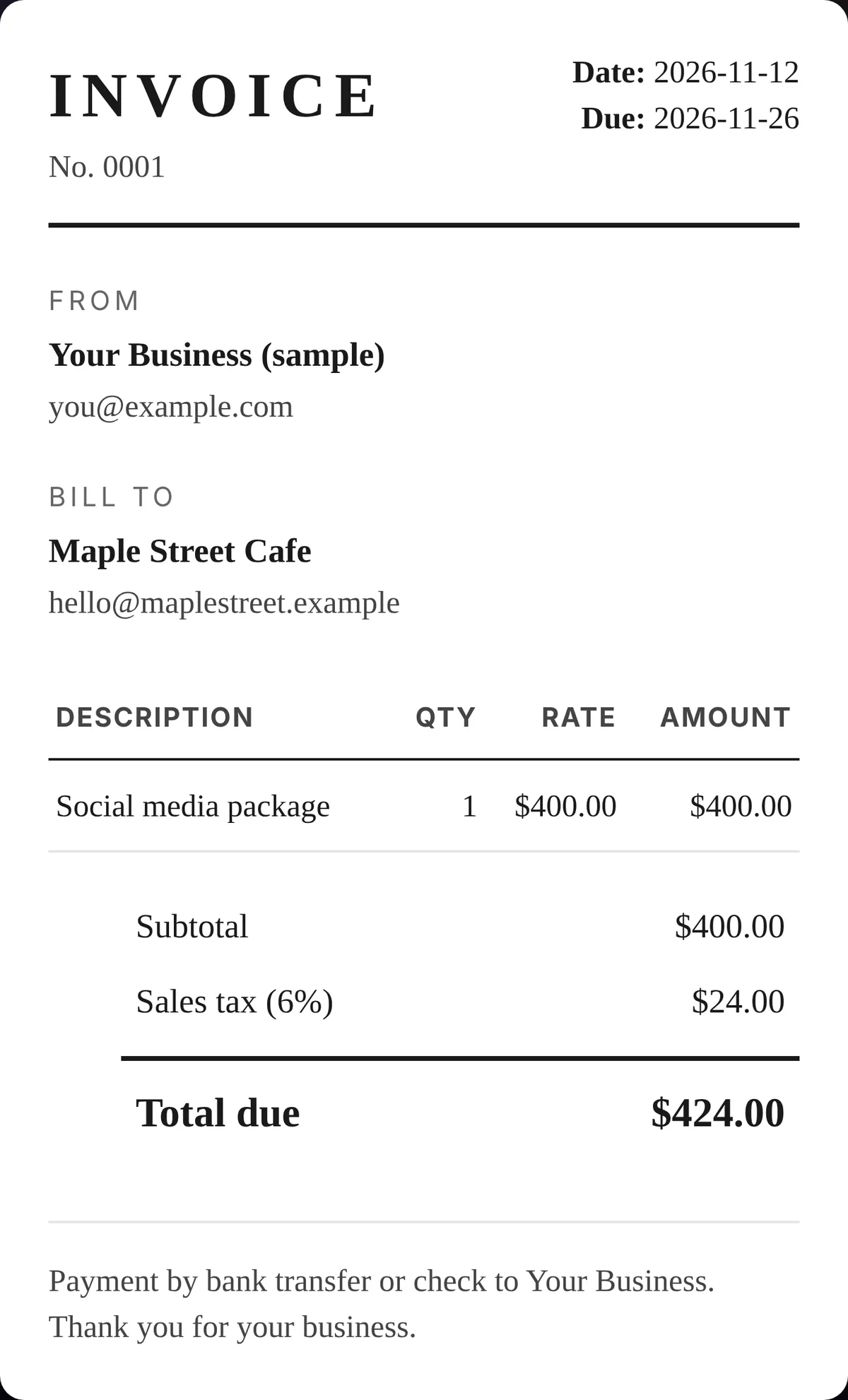
General information, not tax advice.
Ready to post
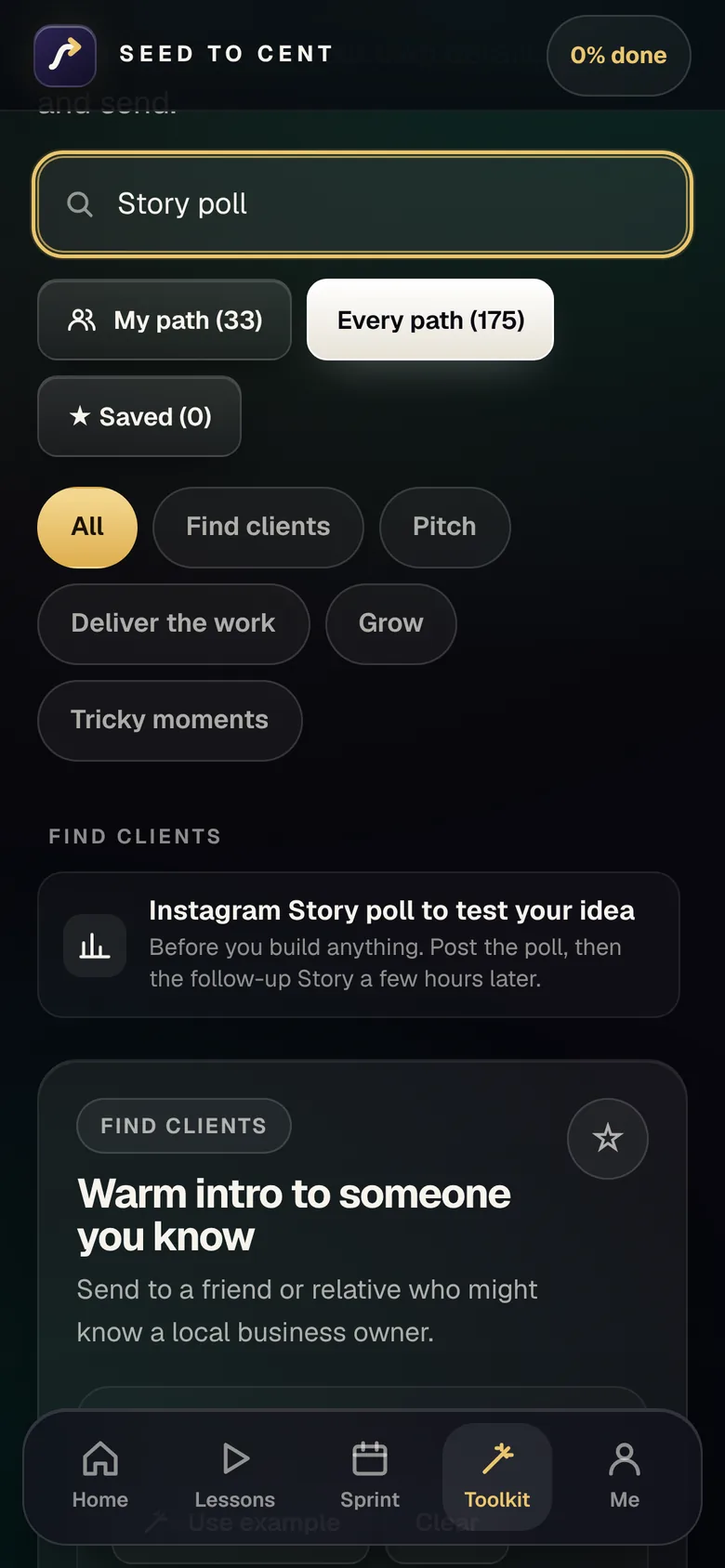
Script BuilderFill the blanks, copy, send.
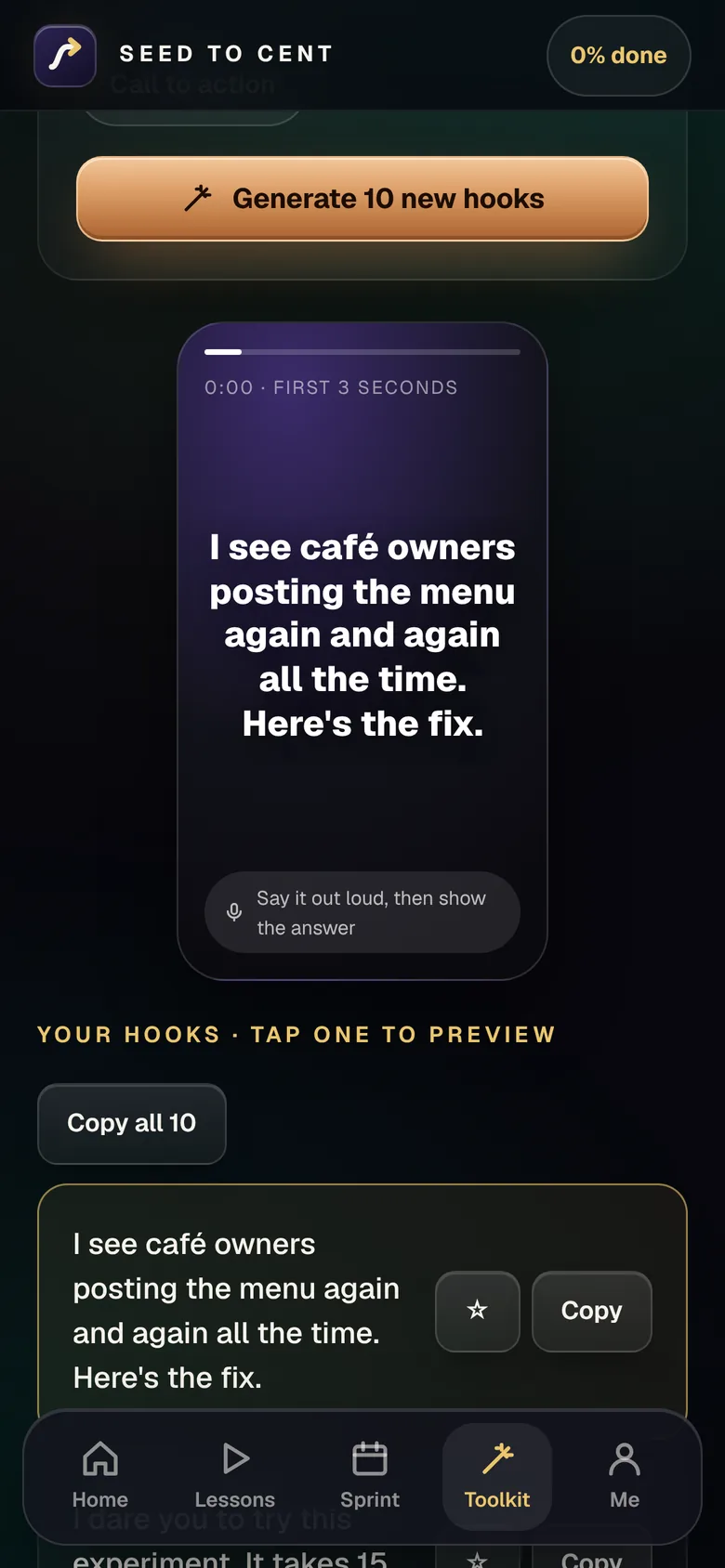
Hook GeneratorTen fresh hooks at a tap.

Content Calendar30 days of post ideas in one click.
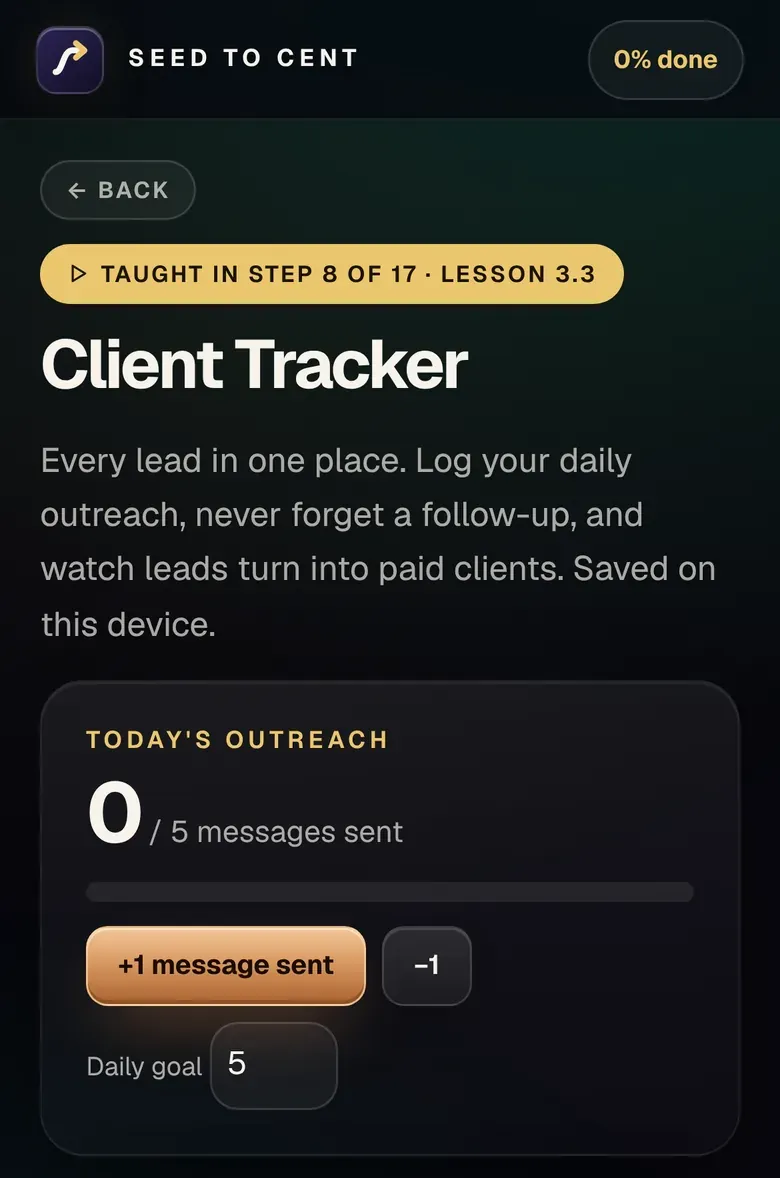
Client TrackerEvery lead from first message to paid.
Business Toolkit · in the same app
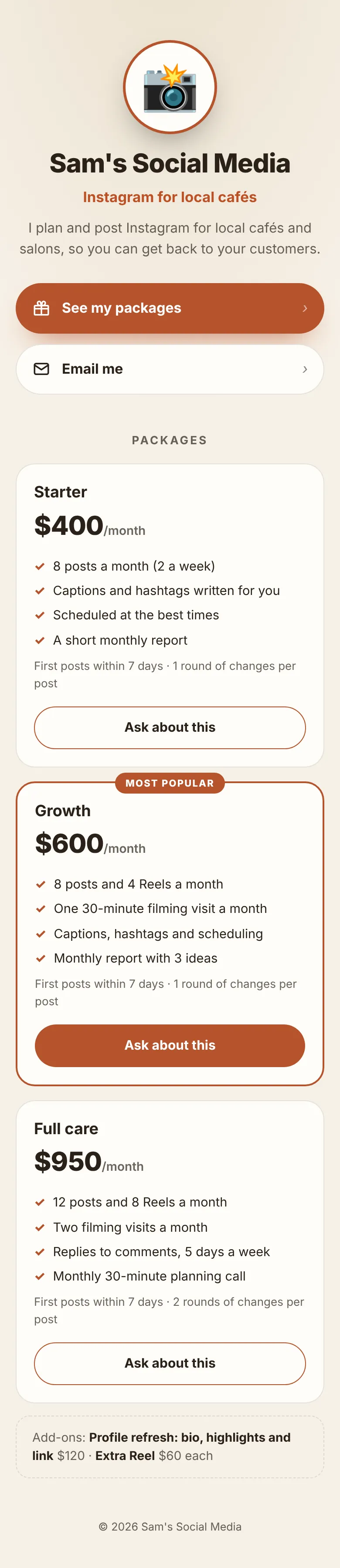
Your numbers on one screen, your own link-in-bio page, your packages, product pages, emails, a sales log and a five-minute weekly check-in. See your product page, emails and price menu the way buyers see them before you share them. It fills in from the tools you already use.


Print it, tick it, finish it
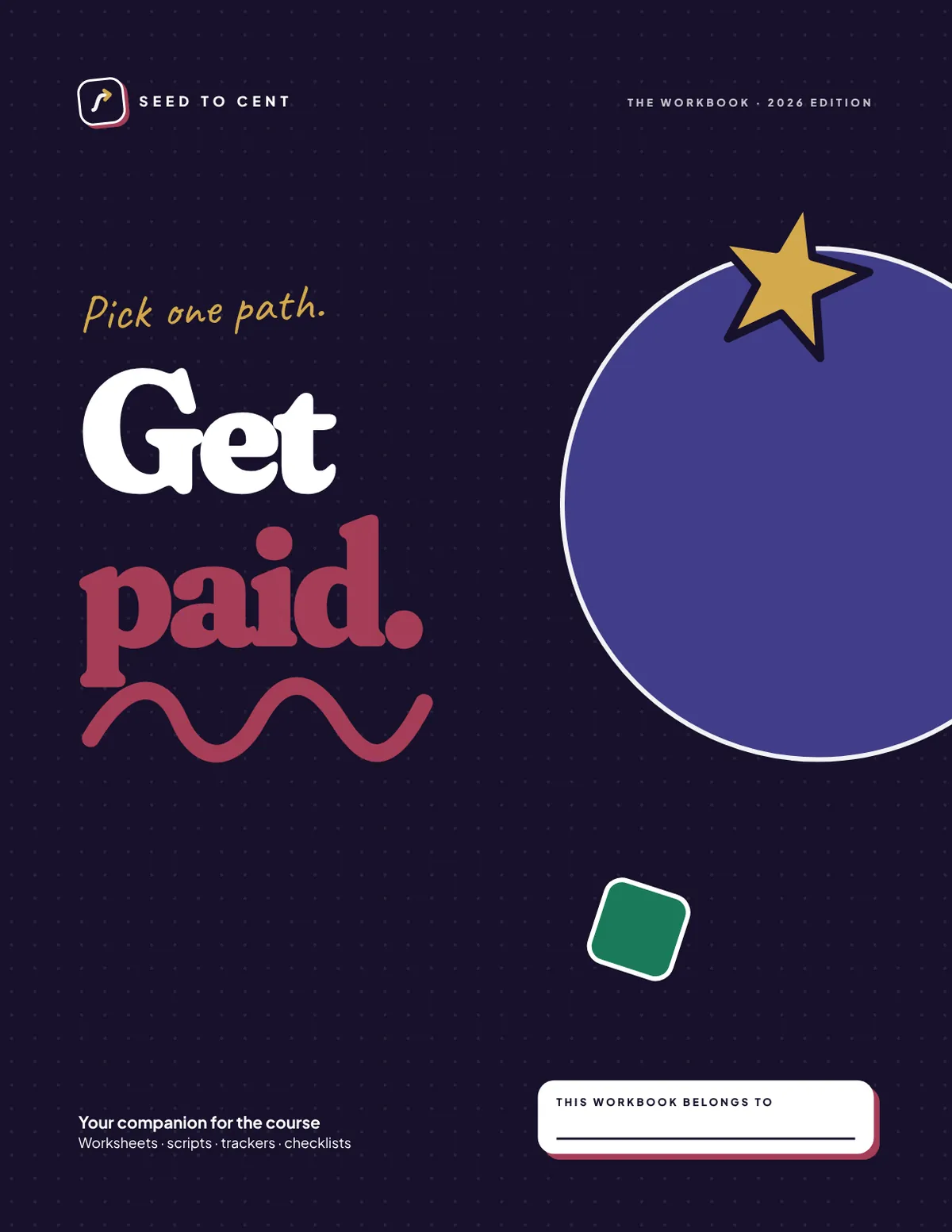
Printable pages: goal setting, scripts, shot lists, trackers and checklists.
What's inside
short video lessons
of video in all
paths (6 core + 6 bonus)
built-in tools
question Path Finder quiz. About 3 minutes.
day plan, one small task a day
page printable workbook
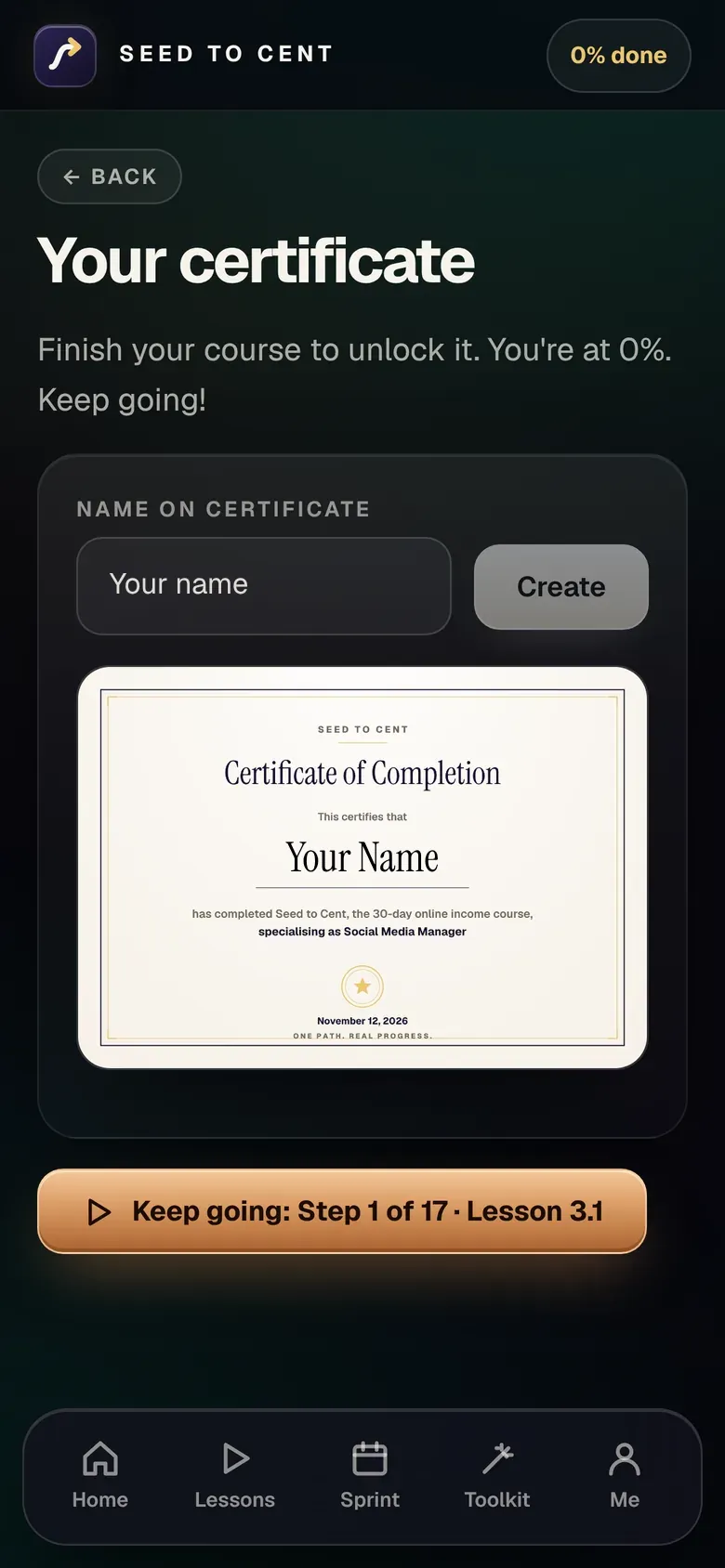
Certificate when you finish
19 core tools: start, find clients, make content and get paid
8 Business Toolkit tools: run the business you chose
Plus 175 scripts, 165 ready-made prompts for any free AI app, and 228 real places to find work.
Is it for you?
It takes work. We say so up front.
Seed to Cent
Price in US dollars. Buying from Canada or elsewhere? Your bank converts it automatically. Any sales tax is shown at checkout.
All sales are final because you get the whole digital course at once. Refunds only for a duplicate charge, or if you can't get in and we can't fix it. Quebec buyers keep their legal right to cancel. Full terms: Terms of Sale and Refund Policy.
So watch the free lesson first. Read the full terms
After you buy, you get your course link and your personal access code right after checkout. The code opens the whole course at once.
Questions
You'll learn skills that businesses already pay for, and you get a daily plan and the tools to go after your first customer. It takes work, and the course shows you exactly what to do each day.
Yes. The course works the same in Canada and the USA, with money tools for both. For Canada, the tax toolkit covers GST/HST and CRA dates, and the invoice maker adds GST, HST or PST. For the USA, it covers 1099s, state sales tax and IRS dates. The price is in US dollars and your bank converts it. The tax parts are general information, not tax advice.
All sales are final, because you get the whole course at once. Two exceptions: if you're charged twice, or if you can't get in and we can't fix it within five business days. If you live in Quebec, you're refunded if you ask. Any rights your local law gives you still apply. Please watch the free lesson first so you know what you're buying. Full terms
Fair to ask. No. You're not paid to recruit anyone and you're not reselling this course. The paths are ordinary work: managing social media, editing videos, admin, selling your own products. The course says up front what it left out and why.
No. Five of the six core paths don't depend on your own followers. You're offering a skill to a business.
No. Social media management, video editing, virtual assistant work, digital products and AI helper setups all work off camera.
The six core paths can start at $0 with a phone and free apps. Some bonus paths cost money, like Etsy fees or print samples, and dropshipping needs a few hundred dollars to test. The course tells you each cost before you reach it.
Yes. There's a Business Toolkit in the same app: a My Business dashboard with your numbers on one screen, a link-in-bio page you build and download, packages and a price menu you can download, product pages and emails you can preview before you use them, a sales log and a weekly check-in. It doesn't take payments or send emails for you. It gives you the words and the steps to do that on Payhip, Stripe or your own email app.
About 45 minutes a day for 30 days. The lessons are short. Most of the time is doing.
It was built for that. It opens in your web browser like a website. Nothing to install. Every step is click by click, and every tool has a “How it works” button: what it is for, 3 or 4 simple steps and a tip.
You get your course link and your personal access code right after checkout. The code opens the whole course at once.
For as long as the course is online. Your progress saves on your own device.